As an early Christmas gift, we’ve just released a number of updates in the latest SP140 controller firmware: v6.5!
You can check out all the details on GitHub, but this update is highly recommended for those using the USB-C style connector (aka RP2040 chip).
• v6.4 fixed a rare bug.
• v6.3 improved font display and screen updates
If you haven’t upgraded in a while, now’s a great time!
The changes are live on the config tool now. A heads-up: some users had issues with the config tool on earlier versions, but this has been resolved in v6.5. If you’re still having trouble updating, reach out—we’re happy to help.
Hi Zach,
does the vibration feature work in this firmware? My controller comes with a vibration driver, but the vibration feature doesn’t work after updating.
Thanks,
Radek
yes, it was possible to activate it intentionally in version 6.0 and after compiling it worked without any problems, but after reorganizing the sources in version 6.5 I have no idea how it works.
Thanks for the feedback; I may have found the culprit with some code that changed for certain boards regarding the vibration motor. I’ll have a new firmware version to test soon if you don’t mind
If you’re on older firmware (pre 6.0), then you will also need to update your ESC, which is a bit more involved. The video for that is here - https://www.youtube.com/watch?v=jY3-QPUd-L0
Since you didn’t mention what version you’re on specifically (it shows when you connect to the config tool also), it’s hard to say what the big changes are, so it’s up to you. If everything is working as you like then there’s no urgency to update
NOV 2025: I’m reaching out for assistance, but some background first. I’m a retired software engineer and a former PPC owner/pilot (Rotax 582 2-seat LSA). In an attempt to return to the air, I purchased a complete, pre-owned SP140 V2 outfit in AUG 2025. The outfit included virtually no documentation or manuals and I’m having trouble finding detailed operational and maintenance documents online.
I assembled my outfit as per the https://community.openppg.com/t/sp140-v2-frame-system/5354 video, sans prop. After fully charging the V1.0 24s10p battery pack and connecting the electronic speed controller (ESC) to the motor (MAD M50c35 34KV) and the OpenPPG throttle to the ESC, I started the motor. Initially, it stuttered and made loud clicking noises, but after cycling the power a few times (batter switch off/on) and working the throttle, the motor started running smoothly. It ran at full throttle for about 5 minutes then the motor died. I thought that the motor either froze or may have overheated due to insufficient air flow. I confirmed that the motor hub turned freely and I turned the battery switch off. After an hour, I turned the battery switch on and tried another run-up. I heard one high beep and one low beep but the motor wouldn’t start. After several more power cycles, I heard no beeps and the throttle screen never came back on.
I noticed that both the throttle and ESC have USB ports. I searched online for info regarding these ports and for any relevant applications that would use these ports. I also arbitrarily connected both the ESC and the throttle to my PC. Upon doing so, I notification popped up stating that an OpenPPG Controller RP2940 was found and to tap the notification to open my CHROME browser. I did and found myself at https://config.openppg.com/configurators/sp140-v3/.
While the firmware updater has successfully connected to the throttle numerous times, it has never completed an installation. The Installing - Preparing installation pop-up appears, the “circle of doom” never disappears; the app never progresses. I’ve tried the update process on a WIN 11 desktop, a WIN 10 desktop, and a WIN 10 laptop using both CHROME and EDGE browsers and have failed in all cases. Please help/advise.
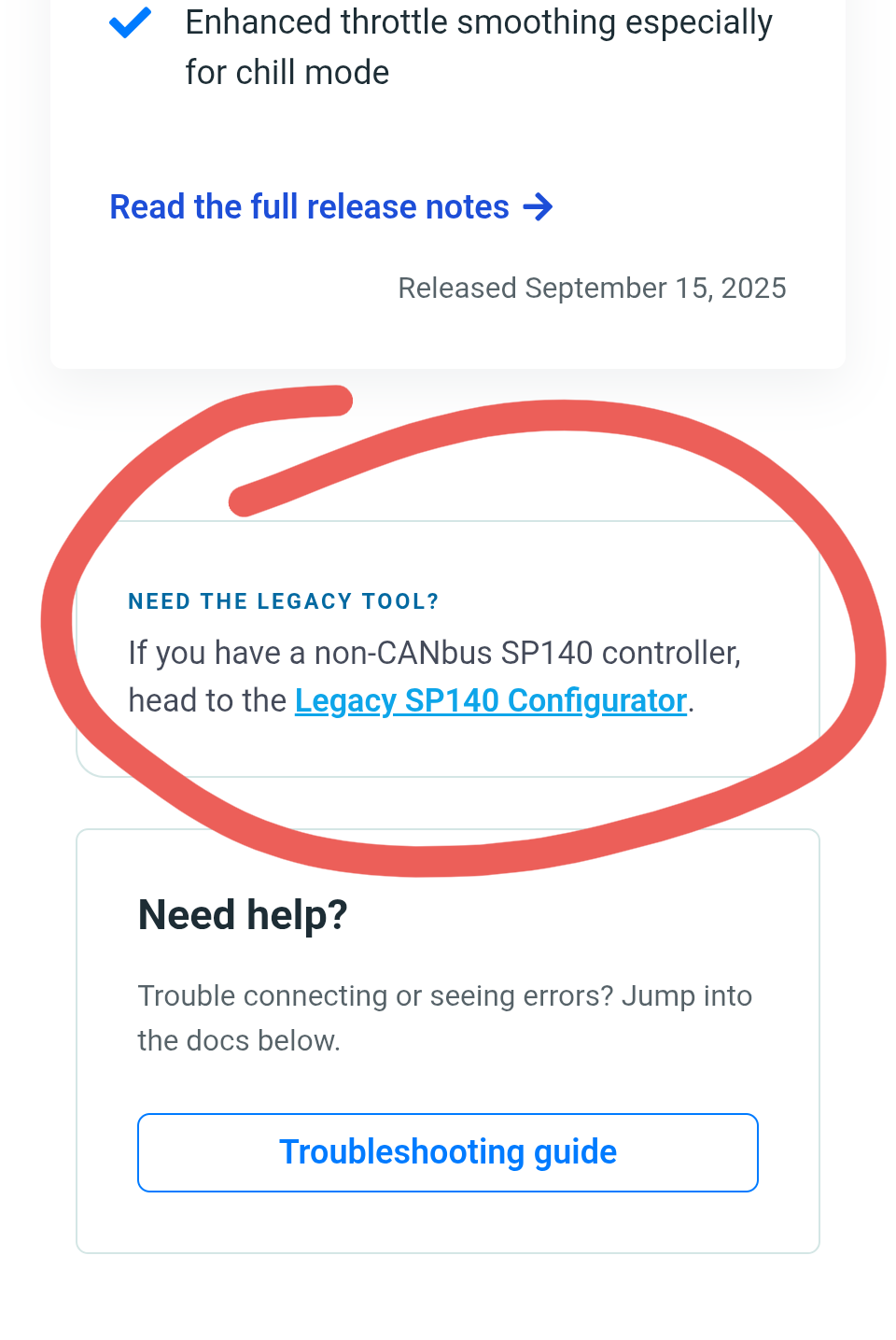
With the new RP2040 chip, the ‘configuration’ website ( OpenPPG SP140 Updater - OpenPPG Config ) doesn’t seem to support changing any settings. Is there a list of console commands to change these settings now? Like baroset.
I have a USB-C connector on my hand controller. Does that mean I have the RP2040 chip as implied by the opening post?
I checked the users manual for the 2.5 system that you sent me, and it does not mention the chip for the hand controller.
Maybe I should have been more clear:
Since I have the 2.5.1 system (as etched on my battery), delivered in November of 2025, how would I go about setting the various modes/settings (like Baroset)?
Thanks JR. You do have the newest controller (which supports CAN bus reading from the battery).
I need to finalize testing and adjustments for the new configuration tool that is compatible with your controller. Some changes have been made to the underlying technology we use to communicate with the controller from the browser. I will be working on this over the next few days and will provide an update here when it is available.
At the risk of being too forward, I would suggest editing the original post until more stable documentation gets developed. It really makes its sound like the RP2040 = USB-C hand controller. And the follow-up makes it seem like you have to use the legacy tool for the new 2.5 Hand Controller settings.
I realize I’m a corner case, and so maybe my situation isn’t that relevant. Unfortunately, most of my knowledge of these systems comes from these forums and so its challenging (rewarding?) to piece everything together.